Video Content on Twitter/X
Twitter, now rebranded as X, has become a major platform for video content. Unlike some platforms, Twitter does not offer a native download option for videos.
What Types of Twitter Videos Can You Download?
- Native Twitter Videos - Videos uploaded directly
- GIFs - Animated images saved as video files
- Live Video Replays - Recorded Twitter live streams
How to Download Twitter Videos
Step 1: Find the Tweet with Video
Navigate to the tweet containing the video.
Step 2: Get the Tweet URL
On Mobile:- Tap the Share icon
- Select Copy Link
On Desktop:- Click on the tweet
- Copy the URL from address bar
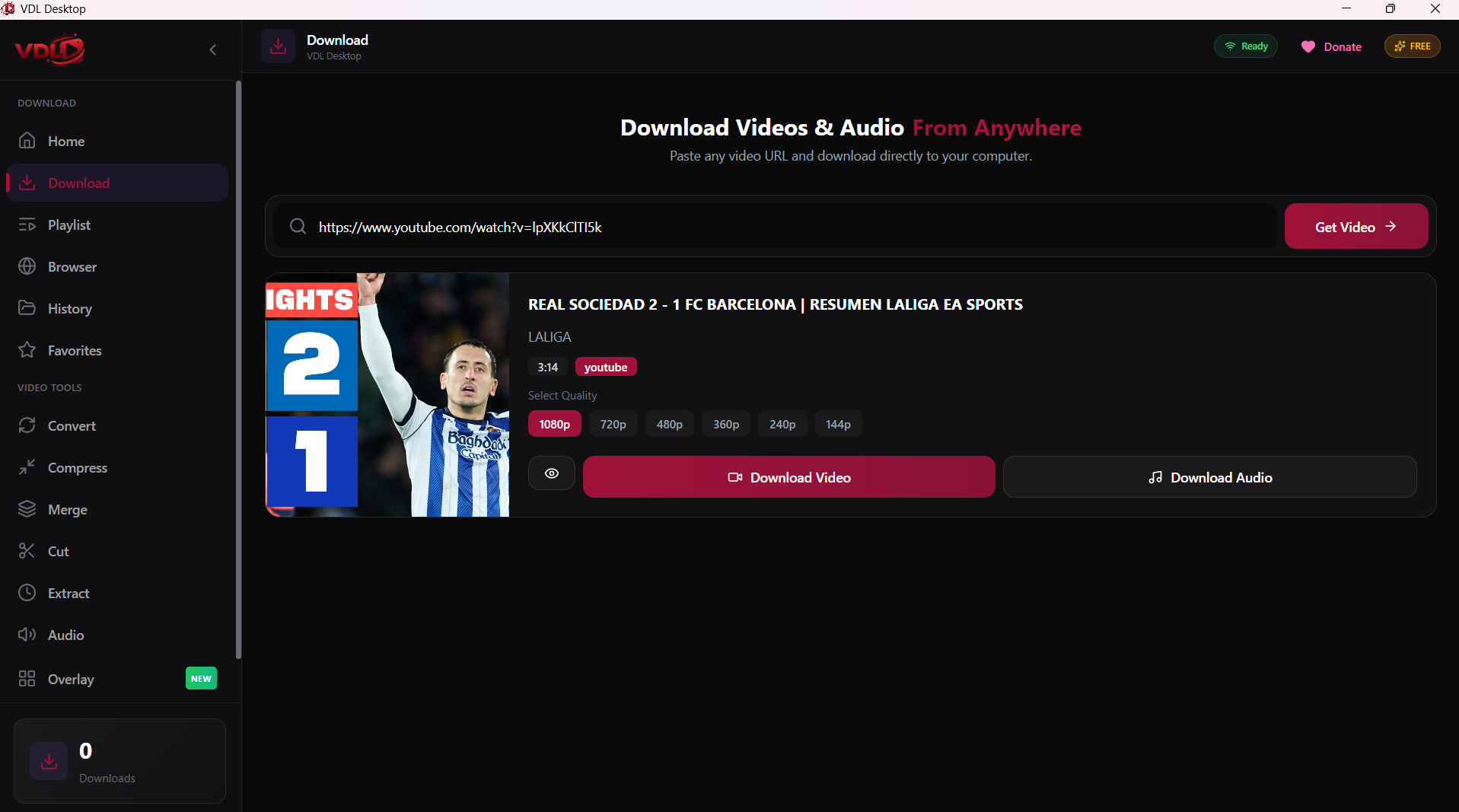
Step 3: Download with VDL
- Open VDL Desktop
- Paste the tweet URL
- VDL will detect the video
- Click Download
Quality Options
Twitter videos are available in:
- Low - 360p
- Medium - 480p
- High - 720p or 1080p
Conclusion
Saving Twitter/X videos is simple with VDL!