TikTok: The Short-Video Giant
TikTok has revolutionized how we consume video content. However, TikToks official download feature adds a watermark to saved videos. VDL offers a solution.
The Watermark Problem
When you download videos directly from TikTok, they include:
- A TikTok logo watermark
- The creators username overlay
How VDL Handles TikTok Videos
VDL downloads videos directly from TikToks servers, often providing:
- Higher quality than the in-app download
- No additional compression
- In many cases, no watermark
Step-by-Step Download Process
- Open the TikTok app
- Find the video you want to save
- Tap the Share icon
- Select Copy Link
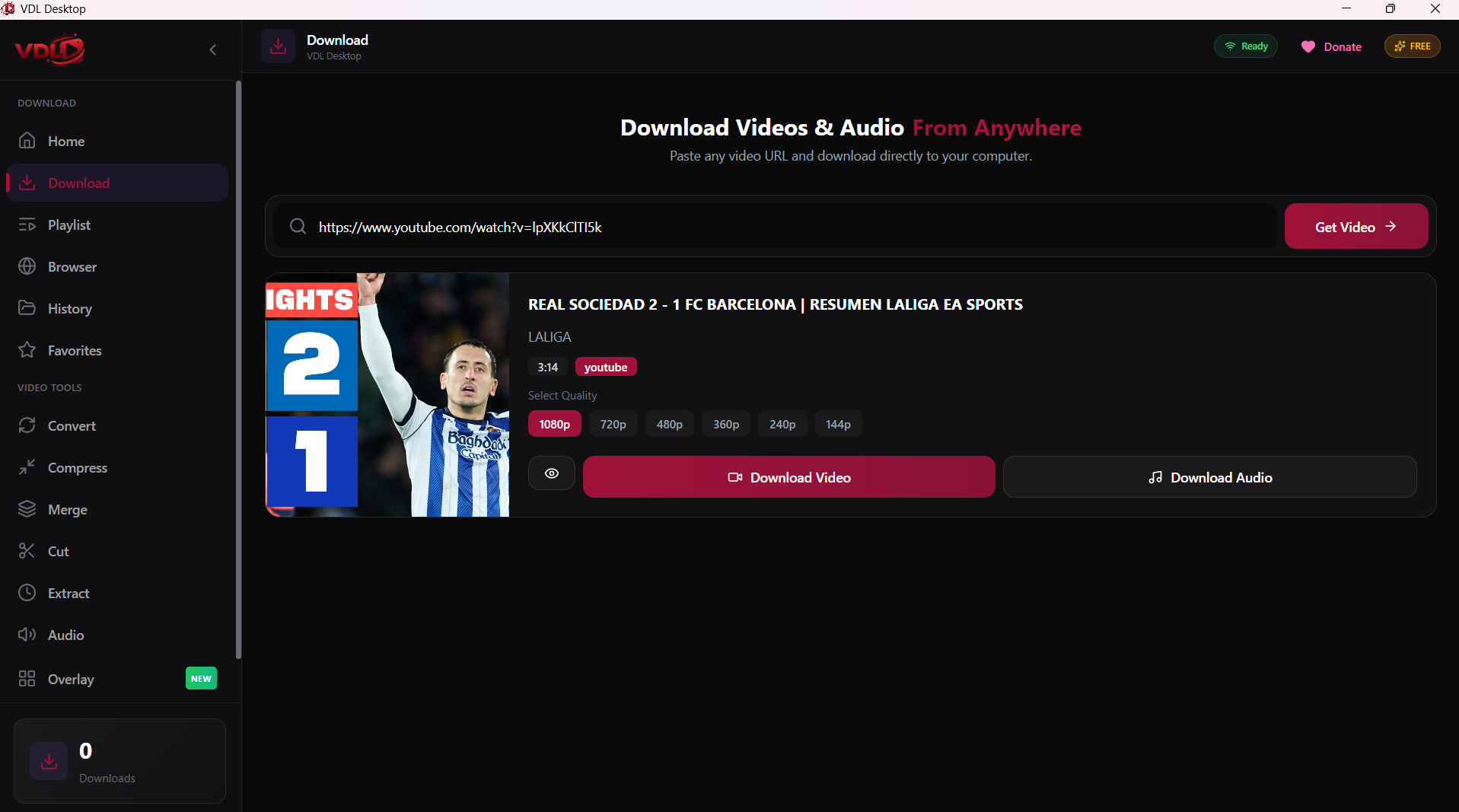
- Open VDL and paste the URL
- Click Download
Using VDLs Browser for TikTok
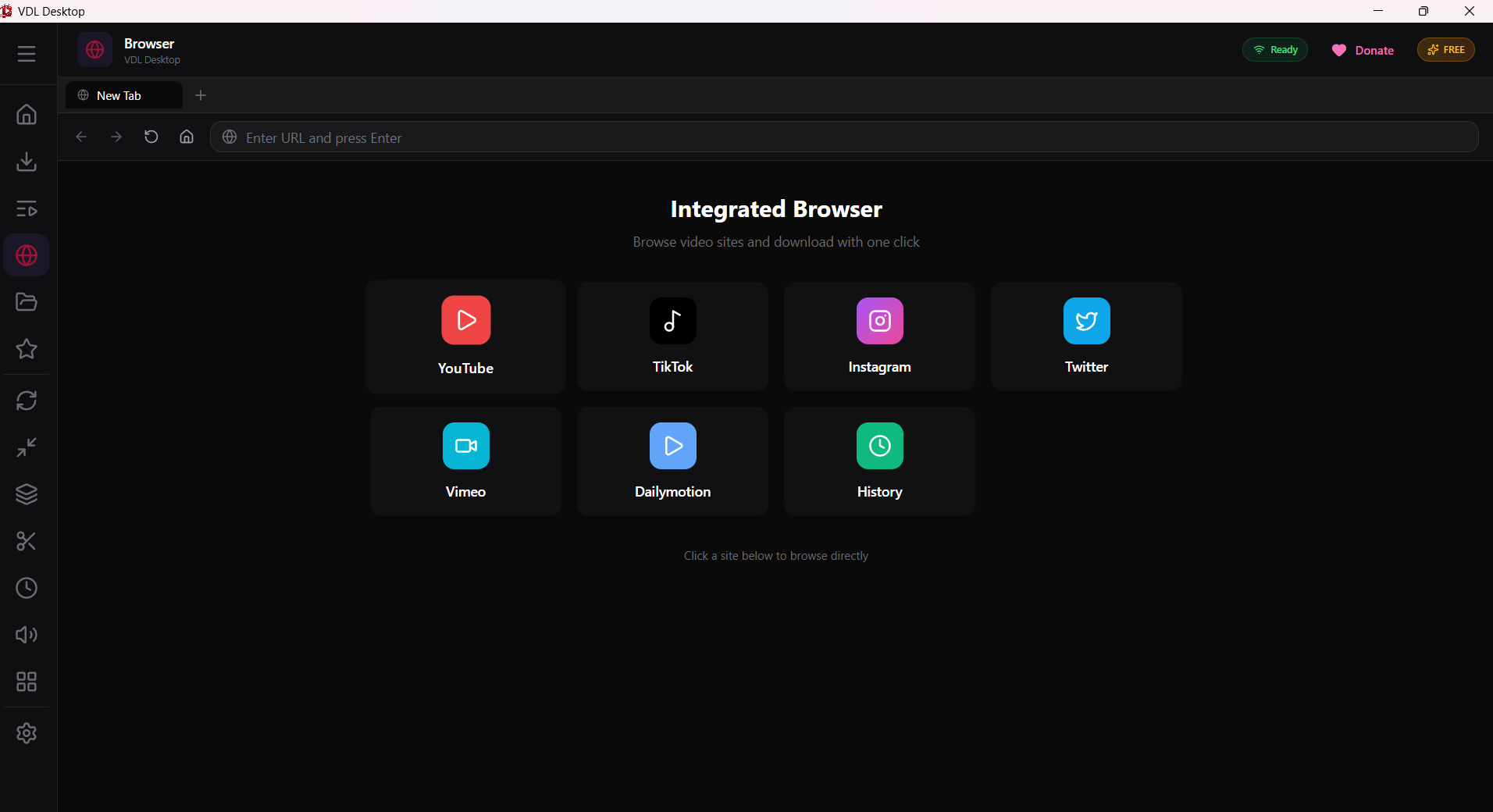
- Open the Browser tab in VDL
- Navigate to tiktok.com
- Browse content
- Click download on any video you want
Conclusion
VDL is the most reliable way to save TikTok videos in high quality!