Why Download Facebook Videos?
Facebook has become a major platform for video content. From viral clips and news segments to personal memories shared by friends and family, there is often content you want to save for offline viewing or personal archiving.
Types of Facebook Videos You Can Download
VDL supports downloading various types of Facebook video content:
- Public Videos - Videos shared publicly by pages and profiles
- Facebook Reels - Short-form vertical videos
- Live Videos - Recorded live streams after they have ended
- Page Videos - Content posted by Facebook pages you follow
Step-by-Step Guide
Finding the Video URL
On Desktop:- Navigate to the video on Facebook
- Click on the video to open it
- Right-click on the video and select Copy video URL
On Mobile:- Find the video in your feed
- Tap the three dots menu on the post
- Select Copy link
Using VDL to Download
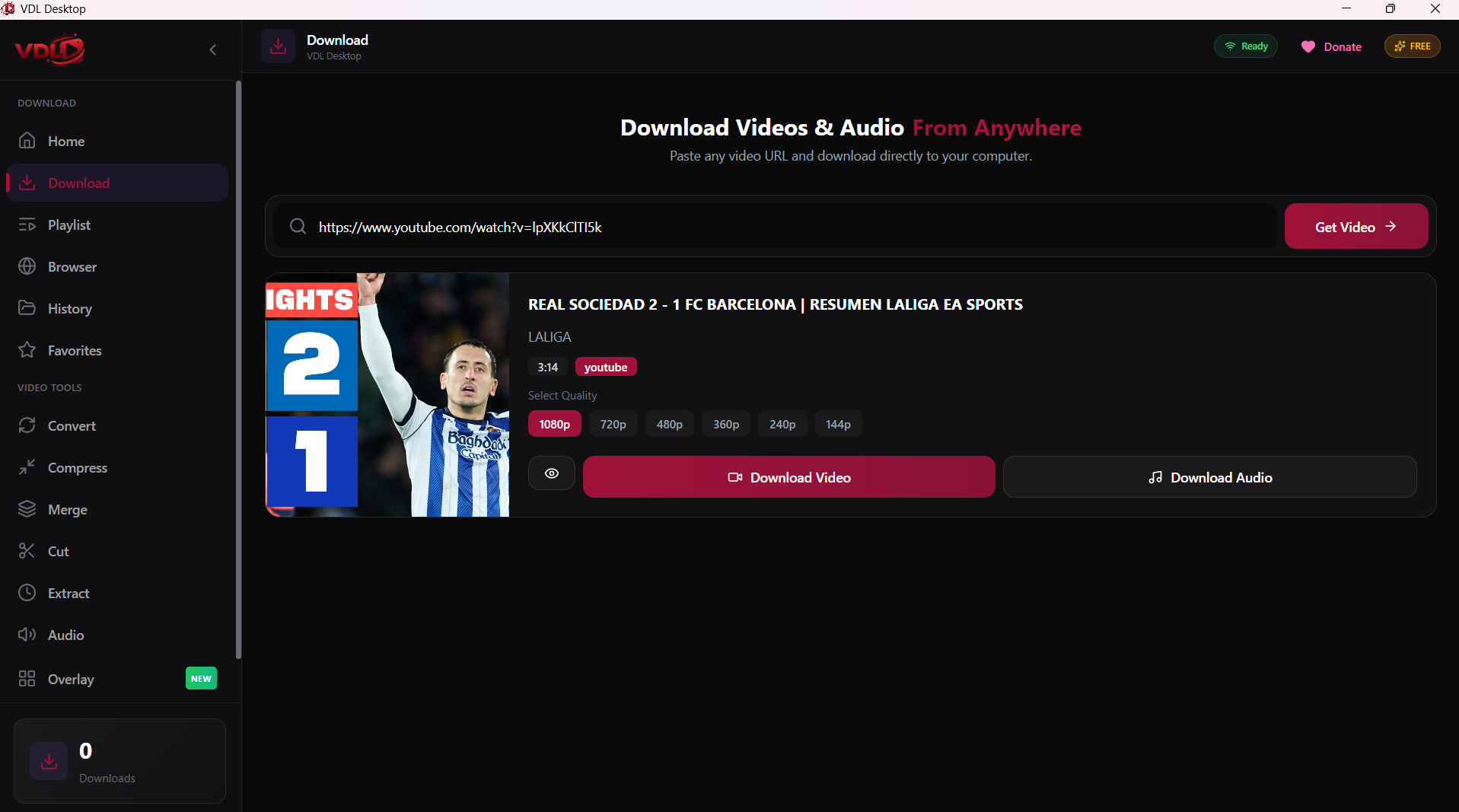
- Open VDL Desktop
- Paste the Facebook video URL
- Wait for VDL to analyze the video
- Select your preferred quality (SD or HD)
- Click Download
Using VDLs Browser for Facebook
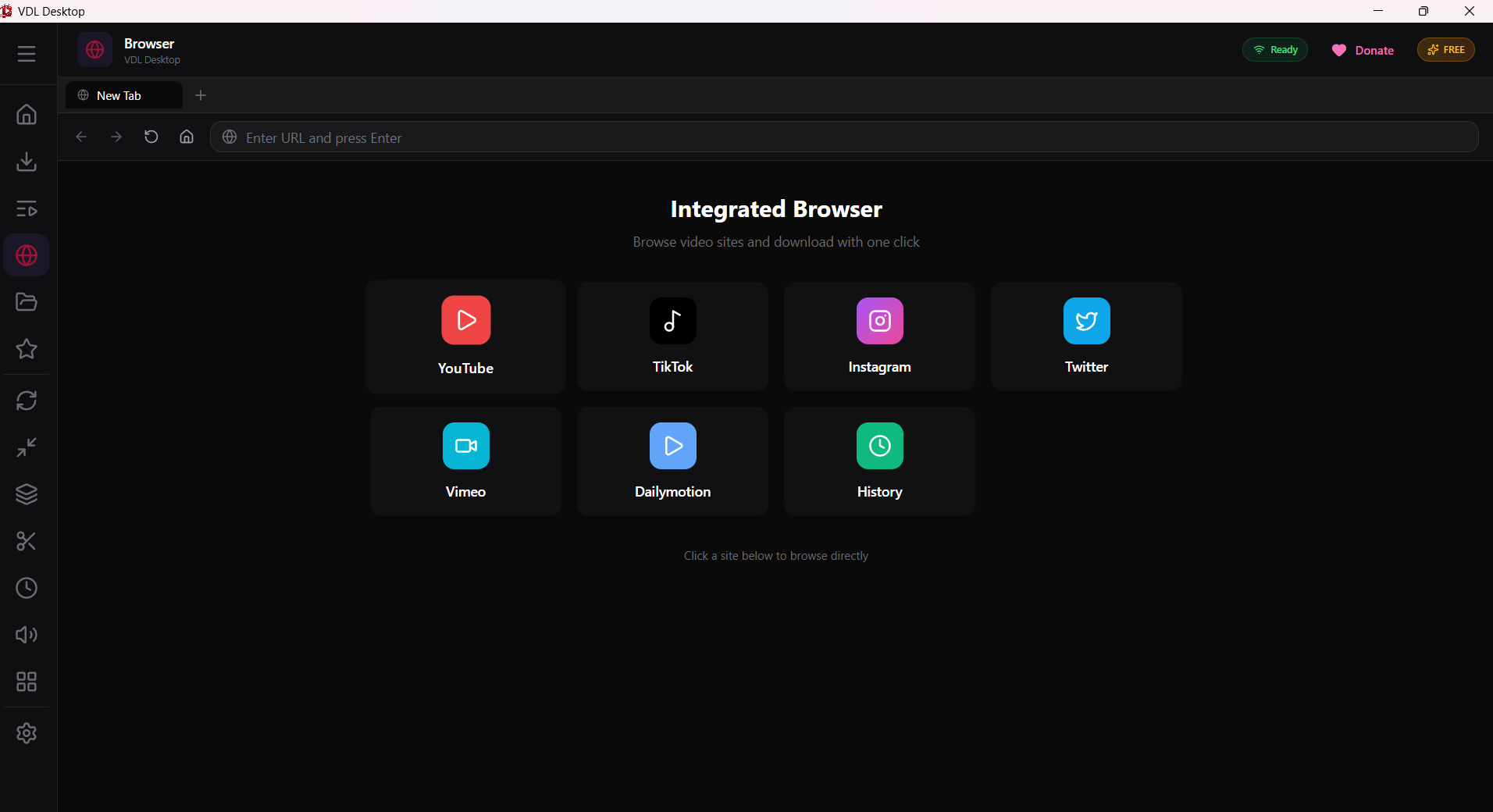
- Open VDL and switch to the Browser tab
- Navigate to facebook.com and log in
- Browse your feed or search for videos
- Click the download button when you find a video
Conclusion
Downloading Facebook videos with VDL is straightforward once you know how to get the right URL.